How to Accept Credit Cards at Farmers Markets (2026 Setup + Fees)

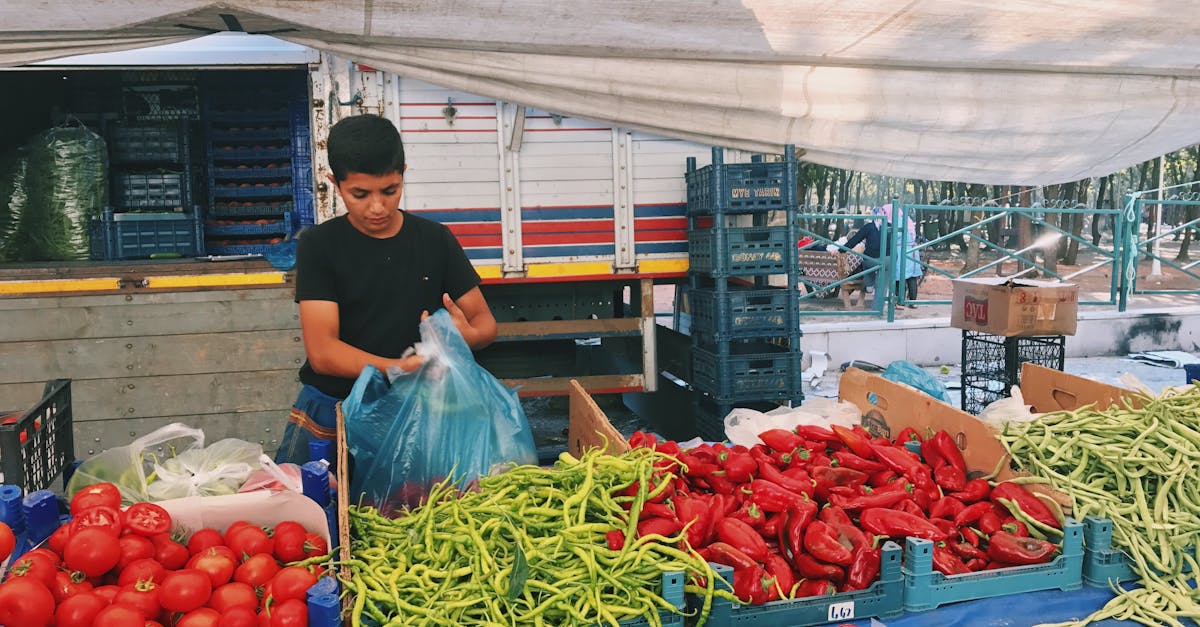
How to Accept Credit Cards at a Farmers Market in 2026
Cash used to be king at farmers markets. Not anymore. Studies show that vendors who accept credit cards at markets see 20-40% higher average sales compared to cash-only booths. Customers spend more when they can tap or swipe, and many shoppers do not carry cash at all.
But accepting cards at a farmers market comes with unique challenges: spotty cell service, no Wi-Fi, weather exposure, and the need to keep things fast when there is a line of customers waiting for your homemade jam.
This guide covers everything you need to know to start accepting cards at your booth, including the cheapest options and the ones that actually work when your signal drops.
What You Need to Accept Cards at a Market
The basic setup is simple:
1. A smartphone or tablet (iPhone, Android, or iPad)
2. A mobile card reader (connects via Bluetooth or audio jack)
3. A payment processing account (the app and service behind the reader)
4. A cell signal or Wi-Fi connection (with some workarounds for dead zones)
That is it. No bulky POS system, no wired internet connection, no complicated setup.
Comparing Your Options
Square Reader
Square is the most common choice for farmers market vendors, and there are good reasons for that.
- Reader cost: Free (basic magstripe), $59 (contactless + chip)
- Processing rate: 2.6% + $0.10 per transaction
- Pros: Easy setup, no monthly fee, offline mode available
- Cons: Higher rates, account freezes possible, limited support
Clover Go
Clover's mobile reader is another popular option.
- Reader cost: $49-$99
- Processing rate: 2.3%-2.6% + $0.10 (varies by plan)
- Pros: Good hardware, integrates with Clover ecosystem
- Cons: Monthly fees on some plans, rates still on the high side
Dedicated Mobile Terminal
For vendors doing serious volume, a standalone mobile terminal (like a PAX A920 or Dejavoo QD series) offers better rates and does not depend on your phone.
- Reader cost: Often free with a merchant account
- Processing rate: Interchange-plus (typically 1.8%-2.2% effective)
- Pros: Lowest rates, does not drain your phone battery, built-in receipt printer, more professional
- Cons: Requires a merchant account, slightly larger device
At Sleft Payments, we provide free mobile terminals with interchange-plus pricing. For a vendor processing $5,000+/month across markets, the savings over Square add up to $600-$1,200 per year.
The Connectivity Problem (And How to Solve It)
The number one complaint from market vendors: "My card reader would not connect."
Farmers markets are often outdoors, sometimes in areas with poor cell coverage. Here is how to handle it:
Option 1: Offline Mode
Square and some other readers offer offline mode, which stores transactions and processes them when you regain connectivity. The catch: offline mode carries higher risk (you will not know if a card is declined until later), and Square caps offline transactions.
Option 2: Mobile Hotspot
Bring a dedicated mobile hotspot device. They are more reliable than your phone's hotspot and often get better signal. A basic hotspot from your carrier costs $10-$20/month.
Option 3: Cell Signal Booster
A portable cell signal booster (like WeBoost or SureCall) can dramatically improve your signal at outdoor markets. They cost $200-$400 but pay for themselves if you do multiple markets per week.
Option 4: Pre-Authorize and Batch Later
Some standalone terminals let you pre-authorize cards and batch process later when you have connectivity. This is common with dedicated merchant accounts.
"I tried using Square at the Saturday market for two months. Kept losing connection right when customers were paying. Switched to a standalone terminal with a SIM card, and I have not had a single dropped transaction since." - u/FarmersMarketSeller on r/smallbusiness
What About Tap-to-Pay on Your Phone?
Both Apple and Android now support tap-to-pay directly on your phone, no external reader needed. Apple calls it "Tap to Pay on iPhone" and it works with several payment processors.
Pros:
- No extra hardware to carry or charge
- Works with NFC-enabled cards and digital wallets
- Looks modern and professional
Cons:
- Only works for contactless payments (no chip or swipe fallback)
- Still needs a cell/Wi-Fi connection
- Processing rates are the same as the reader
This is a solid backup option, but you will still want a card reader for customers who do not have contactless cards.
Understanding the Fees
Let us break down what you actually pay per transaction at a farmers market:
Scenario: You sell $150 worth of goods to a customer who pays with a Visa credit card.
| Provider | Rate | You Pay | You Keep |
|---|---|---|---|
| Square | 2.6% + $0.10 | $4.00 | $146.00 |
| Stripe (online invoice) | 2.9% + $0.30 | $4.65 | $145.35 |
| IC+ Merchant Account | ~1.95% effective | $2.93 | $147.07 |
| Cash Discount Program | 0% | $0.00 | $150.00 |
Over a year of market sales, these differences add up significantly.
"People always told me the fees were just the cost of doing business. Then I got a real merchant account with interchange-plus and realized I was overpaying by almost $200/month." - r/Entrepreneur
Cash Discount at the Market
Many farmers market vendors are adopting cash discount programs. Here is how it works:
1. You post your prices at the "card price"
2. Customers who pay cash get a discount (typically 3-4%)
3. You pay zero processing fees
This is completely legal in all 50 states and is increasingly common at markets, food trucks, and small retail shops. Most customers do not mind, especially when the discount is clearly posted.
Learn more about cash discount programs
💰 Want to see how much you're overpaying? Use our free savings calculator to find out in 30 seconds. Or get a free statement analysis from our team.
Setting Up Your Booth for Card Payments
Signage
Always display that you accept cards. A simple "We Accept Credit Cards" sign with the Visa/Mastercard/Amex logos will increase sales. Many customers assume market vendors are cash-only and will walk past if they do not see signage.
Battery Life
Your phone and card reader need to last all day. Bring a portable battery pack (10,000 mAh minimum) and keep your phone's screen brightness low when not processing. Standalone terminals typically last 8-12 hours on a charge.
Receipt Options
- Email receipts save paper and capture customer emails for marketing
- Text receipts are fast and convenient
- No receipt is fine for small purchases (most customers do not want one for a $7 jar of honey)
Speed
Market customers expect fast transactions. Practice the payment flow before your first market day. Contactless (tap) payments are the fastest, typically under 3 seconds.
Tax Considerations
Accepting cards creates a clear paper trail of your income, which is actually a good thing come tax time. Keep in mind:
- Processing fees are tax-deductible business expenses
- Card transactions are automatically tracked (no more guessing at cash totals)
- Some states require sales tax collection even at farmers markets
- Your payment processor will issue a 1099-K if you exceed the IRS threshold
Tips From Experienced Market Vendors
1. Always have a cash backup - Card readers fail, connections drop, batteries die. Always be able to accept cash too.
2. Set a minimum if needed - It is legal to set a credit card minimum up to $10. Many vendors do this for transactions under $5 to avoid losing money on tiny sales.
3. Test your setup at home first - Do not wait until market day to figure out how your reader works.
4. Keep your reader visible - Customers are more likely to buy if they see they can pay by card before they start shopping.
5. Consider Venmo/Zelle as a backup - Some customers prefer peer-to-peer payments. Display your Venmo QR code as an option.
💰 Want to see how much you're overpaying? Use our free savings calculator to find out in 30 seconds. Or get a free statement analysis from our team.
Ready to stop overpaying? Sleft Payments offers transparent pricing with no contracts and no hidden fees. Get a free quote or call us at (813) 534-0522.
Frequently Asked Questions
Do I need a business license to accept credit cards at a farmers market?
Most payment processors require a registered business (sole proprietorship is fine). Check your local farmers market rules, as some require specific permits or business licenses.
What is the cheapest way to accept credit cards at a market?
For low volume (under $2,000/month), Square's free reader with 2.6% + $0.10 per transaction is the simplest option. For higher volume, an interchange-plus merchant account or cash discount program will save significantly more.
Can I accept cards without cell service?
Some readers offer offline mode, but it is limited. Your best bet is a standalone terminal with a SIM card, a mobile hotspot, or a cell signal booster.
How do I handle refunds at a market?
Most payment apps let you issue refunds directly. With Square, you can refund from the app within 120 days. With a merchant account, your processor handles refunds through the terminal or a portal.
Should I accept Amex?
Yes. Amex interchange rates are higher, but refusing Amex means turning away customers. The extra cost per transaction is small compared to losing a sale entirely.
The Bottom Line
Accepting credit cards at a farmers market is no longer optional if you want to maximize sales. The setup is simple, the costs are manageable (especially with the right processor), and the sales increase more than covers the fees.
For vendors doing consistent market volume, a dedicated merchant account with interchange-plus pricing or a cash discount program will save hundreds to thousands per year compared to basic mobile readers.
Need a free mobile terminal for your market booth? Contact Sleft Payments for a free rate analysis and hardware setup.
Related Articles
- Best Payment Processing Small Business
- Cash Discount Program Explained Save On Processing Fees
- How To Read Your Merchant Statement
Want to know exactly how much you could save? Try the Sleft Payments Savings Calculator for a personalized estimate.