Payment Processing for Small Business: The No-BS Guide (2026)

Payment Processing for Small Business: The No-BS Guide (2026)
Payment processing shouldn't be complicated. But somehow the industry has made it feel like you need a finance degree to understand your own statement.
This guide strips away the jargon and tells you what actually matters when choosing and managing your payment processing.
How Payment Processing Actually Works
When a customer swipes, taps, or inserts their card, here's what happens in about 2 seconds:
1. Your terminal sends the card info to your processor
2. Your processor routes it to the card network (Visa, Mastercard, etc.)
3. The card network sends it to the customer's bank
4. The bank approves or declines
5. Approval travels back through the same chain
6. Money settles into your bank account (usually next business day)
Every hand that touches the transaction takes a cut. That's where your fees come from.
The Three Players Taking Your Money
1. The Card-Issuing Bank (Interchange)
The customer's bank charges an "interchange fee." This is the biggest chunk of what you pay, typically 1.5% to 2.5%. You can't negotiate this - it's set by Visa and Mastercard. You can view the full rate schedules on Visa's merchant fee page and Mastercard's interchange rate page.
2. The Card Network (Assessment)
Visa, Mastercard, Discover, and Amex charge a small assessment fee. Usually 0.13% to 0.15%. Also non-negotiable.
3. Your Processor (Markup)
This is the only part you can control. Your processor adds their markup on top of interchange and assessments. This is where you negotiate.
The key insight: If your processor won't show you their markup separately from interchange, they're probably hiding something.
Pricing Models Explained
Interchange Plus (Best for Most Businesses)
How it works: You pay the actual interchange fee plus a fixed markup.
Example: Interchange + 0.3% + $0.10
This is the most transparent model. You see exactly what the card networks charge and exactly what your processor charges. Easy to compare between providers.
Flat Rate (Simple but Expensive at Volume)
How it works: One rate for everything.
Example: 2.6% + $0.10
Square, Stripe, and PayPal use this model. Simple to understand, but you're overpaying on debit cards (which have low interchange) and slightly overpaying overall once you're past about $10,000/month.
Tiered (Avoid)
How it works: Transactions are sorted into tiers. "Qualified" gets a low rate, "Non-Qualified" gets a high rate.
Example: Qualified 1.69%, Mid-Qual 2.39%, Non-Qual 3.49%
The problem: your processor decides which tier each transaction falls into, and most end up in the expensive tiers. This model was designed to look cheap upfront and cost more in practice.
Related: Want to calculate what you're actually paying? Here's how to find your effective rate.
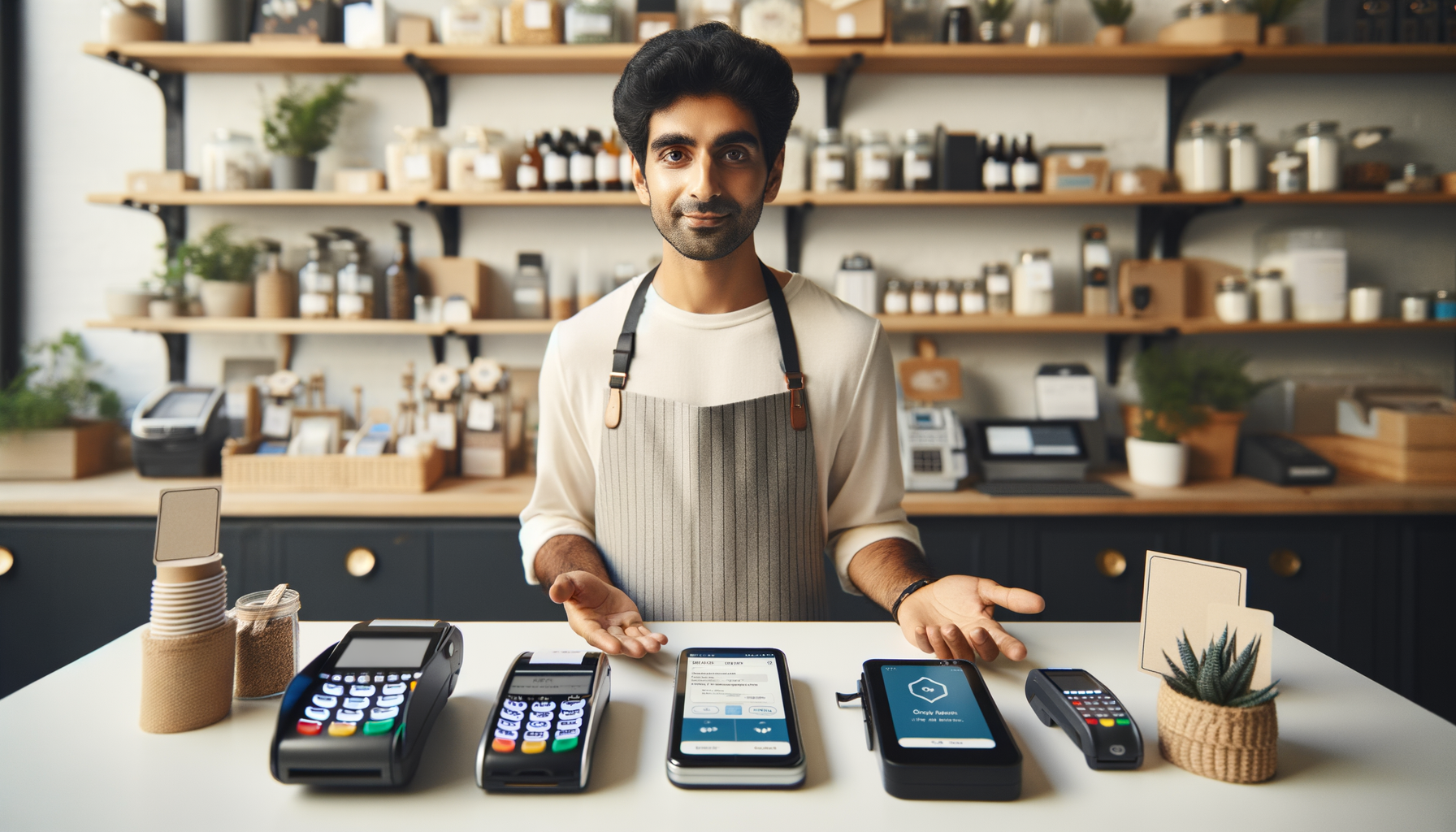
What Equipment Do You Need?
Countertop Terminal
Best for: Retail, restaurants, service businesses
Cost: $200-$800 to buy, or $20-$50/month to lease
Our take: Always buy. Leasing costs 3-5x the purchase price over time.
Mobile Reader
Best for: Food trucks, farmers markets, service calls
Cost: $0-$50
Our take: Great as a backup or for mobile businesses. Not ideal as your primary terminal.
POS System
Best for: Restaurants, retail with inventory
Cost: $500-$2,000+ per station
Our take: Worth the investment if you need the features. Just make sure you own the hardware and it's not locked to one processor.
Virtual Terminal
Best for: Phone orders, invoicing, mail-order
Cost: Usually included or $10-$20/month
Our take: Essential if you take payments over the phone.
Red Flags When Choosing a Processor
Watch out for these:
Long-term contracts. Three-year contracts with auto-renewal and early termination fees are the industry standard. They shouldn't be. Look for month-to-month. The SBA's guide to accepting payments recommends understanding all contract terms before committing.
Equipment leases. A terminal that costs $300 to buy will cost $1,500+ on a 48-month lease. And you don't own it at the end. Always buy your equipment. The FTC's leasing guidance applies similar principles - understand total cost before signing.
Tiered pricing. As explained above. If they quote you a "qualified rate" without explaining what that means, walk.
No live support. When your terminal goes down during business hours, you need a person on the phone. Not a chatbot. Not an email queue.
Rate guarantees that expire. "Guaranteed rate for 6 months" means your rate goes up in month 7. Ask what happens after the introductory period.
Questions to Ask Before You Sign
1. What's my effective rate going to be on my current volume? Not the best-case rate. The real rate.
2. Show me a sample statement. If they won't, why?
3. What are ALL the monthly fees? Not just processing. Everything.
4. What's the contract length? And what does early termination cost?
5. Can I keep my equipment if I leave? If no, you're renting, not buying.
6. What's your average support response time? And is it phone, email, or chat?
7. Do rates change after year one? Get it in writing.
Industry-Specific Considerations
Restaurants
- You need tip adjustment capability
- Kitchen printers and KDS integration matter
- Online ordering integration is increasingly important
- Compare restaurant POS options here
Retail
- Inventory management integration saves time
- Barcode scanning speeds up checkout
- E-commerce integration if you sell online too
Service Businesses
- Virtual terminal for phone payments
- Recurring billing if you do subscriptions
- Mobile capability for on-site work
E-Commerce
- Fraud protection is critical
- Shopping cart integration
- Multi-currency if you sell internationally
The Cash Discount Option
If processing fees are your biggest pain point, cash discount programs let you pass those costs to card-paying customers while giving cash payers a lower price. It's legal in all 50 states when set up correctly.
Restaurants, auto shops, and service businesses save thousands per year with this approach. Full guide here.
Switching Processors: Easier Than You Think
Most business owners stay with processors that overcharge them because switching feels complicated. It's not.
The typical switch takes:
- 1-2 days to set up the new account
- 1 day to program new terminals
- Zero downtime if planned correctly
Your old processor might try to talk you out of it. They might offer a temporary rate reduction. Ask yourself: if they could charge you less, why weren't they?
Step-by-step switching guide here.

The Bottom Line
Payment processing is a necessary cost of doing business. But it shouldn't be a mystery, and you shouldn't be overpaying.
Know your effective rate. Understand your pricing model. Ask the right questions. And don't be afraid to switch if you're not getting good value and good service.
Want a Free Processing Checkup?
Text "GUIDE" to (813) 534-0522 and send us your last statement.
We'll tell you exactly what you're paying, whether it's fair, and what your options are. Straightforward advice, no pressure.
Frequently Asked Questions
What type of payment processing do I need for my small business?
It depends on how you sell. In-person businesses need a terminal (countertop or mobile). E-commerce needs an online gateway. Service businesses often need invoicing and recurring billing. Restaurants need POS systems with tip adjustment and check splitting. Most businesses need some combination - make sure your processor supports all your channels.
How much does payment processing cost per month?
Total costs include your processing rate (1.5-3.5% of sales), per-transaction fees ($0.05-$0.30), and monthly fees ($0-$25). A business processing $20,000/month typically pays $400-$700 in total fees. If you're paying more, you're likely overpaying. Here's how to check.
What's the difference between a merchant account and an aggregator?
A merchant account is your own account, underwritten for your business, with your own merchant ID. An aggregator (Square, Stripe, PayPal) pools you with thousands of other merchants under their master account. The key difference: aggregators can freeze your funds without warning because you're sharing risk. Merchant accounts give you more stability and direct bank deposits.
Do I need a separate merchant account for online and in-store sales?
Usually not. Most processors offer omnichannel solutions that handle both in-person and online transactions under one merchant account. You'll have different rates for card-present vs. card-not-present transactions, but reporting and deposits are unified.
How long does it take to set up payment processing?
For aggregators like Square, you can be processing within hours. For a dedicated merchant account, approval typically takes 1-3 business days, with equipment arriving in 3-5 days. At Sleft, we often have businesses fully set up within a week, including on-site terminal installation and staff training.
About the Author
Grant Denmark
CEO & Founder of Sleft LLC
Grant helps small businesses across Florida and the East Coast navigate payment processing without the jargon or the runaround. Transparent pricing, real support, no long-term contracts.
Don't get Sleft Behind
We help businesses keep more of every dollar.
Related Articles
- Best Payment Processing Small Business
- Cash Discount Program Explained Save On Processing Fees
- How To Read Your Merchant Statement
Want to know exactly how much you could save? Try the Sleft Payments Savings Calculator for a personalized estimate.