Clover POS in 2026: An Honest Review of Pricing, Fees, and What They Don't Tell You

Clover POS in 2026: An Honest Review of Pricing, Fees, and What They Don't Tell You
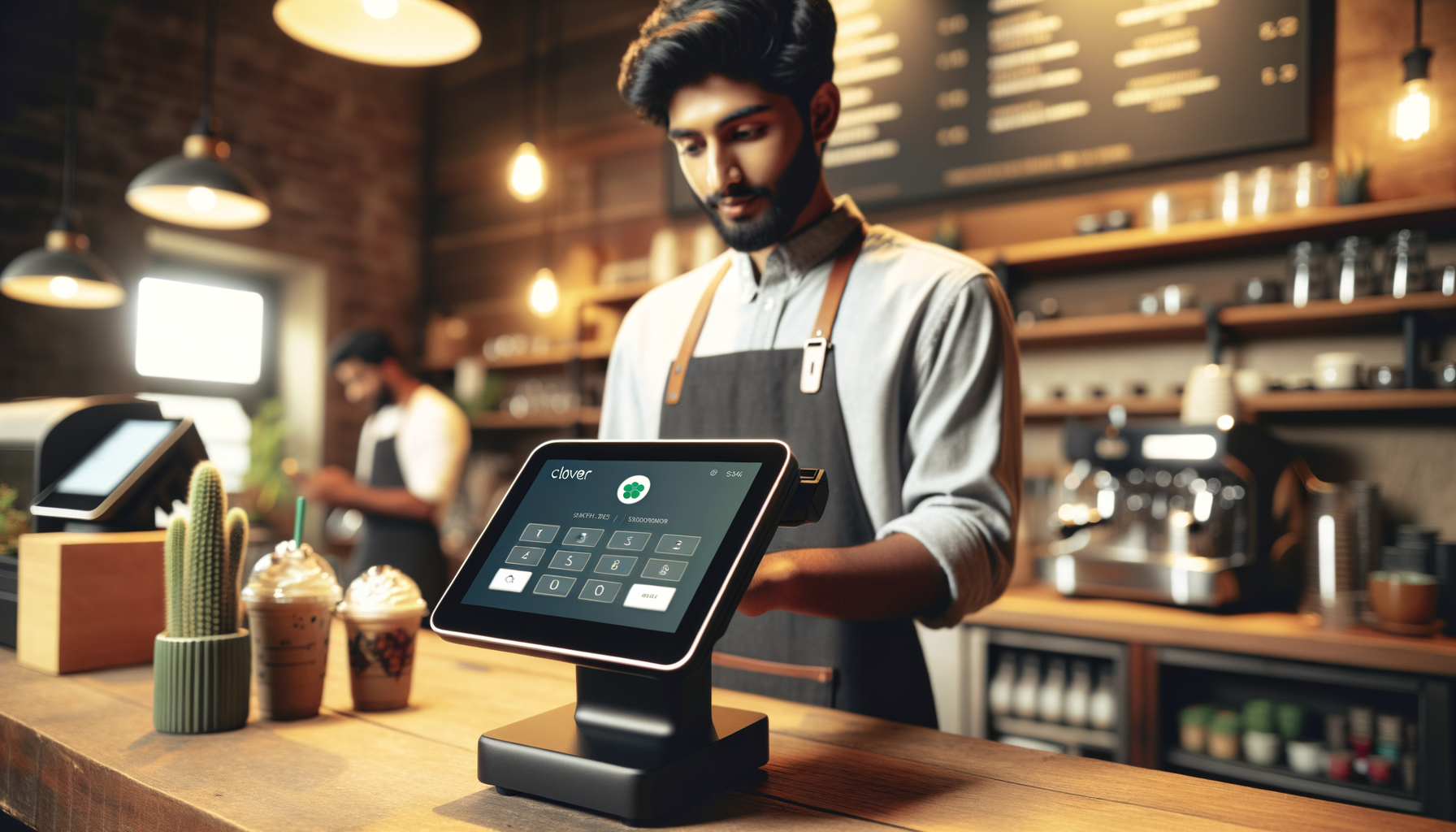
Clover is everywhere. Walk into a coffee shop, a hair salon, or a quick-service restaurant and there is a good chance you will see that recognizable screen sitting on the counter. It is one of the most widely deployed POS systems in the country, and for good reason: the hardware looks great, the interface is intuitive, and the app marketplace gives you legitimate flexibility.
But Clover has a pricing problem that trips up a lot of small business owners. And it all comes down to how you buy it.
The Clover Pricing Trap
Here is the thing most people do not realize about Clover: the hardware is manufactured by Fiserv (formerly First Data), but the processing rates you pay depend entirely on which reseller you buy from.
You can buy Clover directly from Clover.com, from your bank, or from an independent payment processor. Each channel offers different processing rates, different monthly fees, and different contract terms for the exact same hardware.
This means two business owners with the exact same Clover Station can be paying wildly different rates. One might be paying interchange-plus with transparent pricing. The other might be locked into a 48-month lease paying 3.5% per transaction with a $495 early termination fee.
"I got my Clover from my bank and was paying 2.9% + $0.30 flat. My neighbor got his from a local rep and is paying interchange plus 0.15%. Same Clover, same model, completely different pricing."
r/smallbusinessClover Hardware Options and Costs (2026)
Clover offers several hardware configurations:
Clover Go ($49 to $99): A mobile card reader that connects to your phone. Good for mobile businesses, farmers markets, or as a backup.
Clover Flex ($599 to $749): A handheld device with a built-in printer. Popular for table-side payments in restaurants and field services.
Clover Mini ($799 to $899): A compact countertop terminal. Works well for small retail and service businesses that do not need a full POS station.
Clover Station Solo ($1,699 to $1,799): A full countertop POS with a large screen. Suitable for retail shops and restaurants with moderate volume.
Clover Station Duo ($1,899 to $2,099): The flagship model with a merchant-facing screen and a customer-facing screen. Ideal for busy restaurants and retail stores.
These are retail purchase prices. Many processors offer the hardware at reduced cost or even free in exchange for a processing agreement. The trade-off is usually higher processing rates or a longer contract commitment.
Warning about leases: Some sales reps push hardware leases instead of purchases. A Clover Station that costs $1,800 to buy outright can cost $4,000 to $6,000 over a 48-month lease, and you usually cannot cancel the lease even if you close your business. Always buy outright.
Processing Rates: What to Expect
If you buy directly from Clover.com, the standard rates in 2026 are:
- In-person: 2.3% + $0.10
- Online: 3.5% + $0.10
These are flat rates, which means they are simple but not necessarily cheap. On debit card transactions, you are significantly overpaying compared to interchange-plus pricing.
If you buy through an independent processor or reseller, rates vary dramatically. Some offer interchange-plus pricing as low as interchange + 0.10% + $0.05 for high-volume merchants. Others charge flat rates above 3%.
The key question to ask any Clover reseller: "What is your pricing model, and can I see a sample statement?"
"I was paying 3.25% through my Clover reseller for over a year before I realized I could get the same hardware with interchange-plus at half the cost. Nobody told me I had options."
r/smallbusinessMonthly Software Fees
On top of processing rates, Clover charges monthly software subscription fees:
Clover Essentials ($14.95/month): Basic features for simple businesses. Includes payment processing, tips, taxes, and basic reporting.
Clover Register ($49.95/month): Adds inventory management, item-level reporting, order management, and more detailed analytics.
Clover Counter Service Restaurant ($54.95/month): Designed for quick-service restaurants. Includes order management, modifier pricing, and kitchen display integration.
Clover Table Service Restaurant ($84.95/month): Full-service restaurant plan. Adds table management, course firing, bar tabs, and floor plan management.
These fees are per device. If you have two Clover Stations, you pay the subscription twice. This can add up quickly for multi-terminal businesses.
What Clover Does Well
Hardware quality. Clover devices are well-built, attractive, and reliable. The touchscreens are responsive and the build quality feels premium. Customers recognize and trust the hardware.
App marketplace. The Clover App Market has hundreds of add-on applications for everything from loyalty programs to employee scheduling to advanced reporting. This gives you flexibility to customize the system as your business grows.
Payment flexibility. Clover accepts all major card types, contactless payments (Apple Pay, Google Pay), QR codes, and even gift cards. The hardware handles it all without additional readers.
User interface. The system is genuinely easy to use. Training new employees typically takes minutes, not hours. The layout is intuitive and navigation is straightforward.
Integrations. Clover integrates with QuickBooks, Xero, Gusto, and many other business tools. The API is also open for custom integrations.
💰 Want to see how much you're overpaying? Use our free savings calculator to find out in 30 seconds. Or get a free statement analysis from our team.
What Clover Gets Wrong
Pricing confusion. The fact that two merchants can pay completely different rates for the same product is a fundamental problem. It rewards informed buyers and punishes everyone else.
Reseller quality varies wildly. Some Clover resellers are excellent. Others are high-pressure sales operations that lock merchants into bad contracts. There is no quality control on the reseller experience.
Customer support is inconsistent. If you buy from Clover directly, support is handled by Clover/Fiserv. If you buy from a reseller, support is handled by the reseller. This creates a finger-pointing problem when issues arise.
"Every time I called Clover support they told me to call my processor. My processor told me to call Clover. Nobody wanted to own the problem."
r/smallbusinessContract lock-in risk. While Clover itself does not require long-term contracts, many resellers do. Three-year agreements with automatic renewals and early termination fees of $295 to $595 are common.
Hardware is processor-locked. This is the biggest issue. Clover hardware is tied to the processor you purchased it through. If you want to switch processors, you generally cannot bring your Clover hardware with you. You will need new equipment. This effectively locks you in even without a formal contract.
Clover vs. The Competition
How does Clover stack up against other popular POS options?
Clover vs. Toast: Toast is restaurant-specific and offers deeper restaurant features (online ordering, delivery management). But Toast also locks you into their processing and their hardware is proprietary. Clover is more versatile across business types. Read our full Toast breakdown.
Clover vs. Square: Square is simpler and has no monthly fees on the basic plan, but Square's flat-rate pricing (2.6% + $0.10) is expensive for businesses processing over $10,000/month. Square also has account stability issues. More on Square's problems.
Clover vs. Traditional Terminal: If you just need to accept payments without the bells and whistles, a simple terminal with interchange-plus pricing will cost you less. Clover makes sense when you need the software features.
How to Get Clover the Right Way
If you have decided Clover is right for your business, here is how to avoid the common pitfalls:
1. Buy the hardware outright. Never lease. Pay the upfront cost and own your equipment.
2. Get interchange-plus pricing. Flat rate is convenient but almost always more expensive. See how Clover's flat rate compares to interchange-plus before you sign, and insist on seeing the actual interchange markup.
3. Avoid long-term contracts. Month-to-month is the standard for reputable processors. If someone wants you to sign for three years, walk away.
4. Ask about the descriptor. Make sure your business name shows up correctly on customer bank statements to avoid unnecessary chargebacks.
5. Verify what happens if you switch. Ask directly: "If I want to change processors in a year, can I keep my Clover hardware?" Know the answer before you commit.
6. Compare at least three resellers. The same hardware with different pricing can mean thousands of dollars per year in savings.

The Bottom Line
Clover is good hardware with a solid software platform. The product itself is not the problem. The problem is the convoluted sales ecosystem that allows merchants to get wildly different deals depending on where they buy.
If you do your homework, get interchange-plus pricing, and buy your hardware outright from a transparent processor, Clover can be an excellent POS solution. If you walk into a bank or respond to a cold call and sign whatever they put in front of you, you will likely overpay for years.
Related reading:
- Best Toast POS Alternatives in 2026
- How to Negotiate Your Credit Card Processing Fees
- Payment Processing for Small Business: The Complete Guide
For guidance on choosing the right technology for your small business, the SBA's technology resources provide helpful starting points.
💰 Want to see how much you're overpaying? Use our free savings calculator to find out in 30 seconds. Or get a free statement analysis from our team.
Ready to stop overpaying? Sleft Payments offers transparent pricing with no contracts and no hidden fees. Get a free quote or call us at (813) 534-0522.
Frequently Asked Questions
Is Clover better than Square for small businesses?
For businesses processing over $10,000/month, yes. Clover's hardware flexibility and ability to work with independent processors means you can get interchange-plus pricing instead of Square's flat rate. At higher volumes, this saves hundreds per month. Square is simpler for very small or new businesses, but carries freeze risks as you grow.
Can I buy Clover hardware and use any processor?
Not exactly. Clover hardware must be provisioned through an authorized processor. However, unlike Toast, you can choose from many different processors - meaning you can shop for the best rates. The key is buying through a transparent processor with interchange-plus pricing, not a bank or reseller that marks everything up.
How much does Clover really cost per month?
Clover's true monthly cost includes software ($14.95-$84.95/month), processing fees (varies by processor), and hardware payments if financing. Through a bank, total costs can run $200-$400/month. Through an independent processor with fair pricing, the same setup might cost $100-$200/month. Always calculate your total effective cost.
Is Clover good for restaurants?
Yes, with the right setup. Clover's Restaurant package includes table management, online ordering, and tip adjustment. For check splitting specifically, Clover handles it better than many alternatives. See our restaurant POS split check guide for details.
Should I buy Clover from my bank or an independent processor?
Almost always from an independent processor. Banks mark up Clover pricing significantly - often 50-100% higher processing rates and inflated hardware costs wrapped into leases. An independent processor gives you transparent interchange-plus pricing and typically provides hardware at or below retail cost. Learn how to negotiate the best deal.
Sleft Payments tip: Many of our merchants pay $0 in processing fees through our cash discount program. We also offer dual pricing and surcharging, flat-rate, and interchange-plus options with free hardware included. See which plan fits your business.
Related Articles
Want to know exactly how much you could save? Try the Sleft Payments Savings Calculator for a personalized estimate.