How to Accept Contactless Payments with Your Smartphone in 2026 (No Extra Hardware)

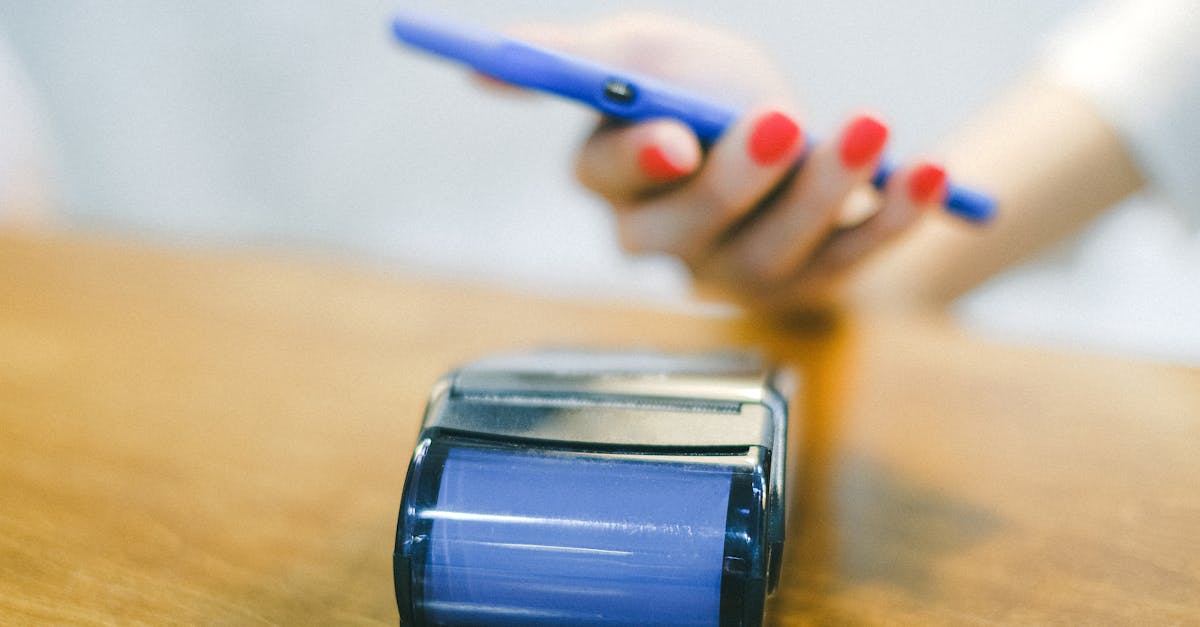
How to Accept Contactless Payments with Your Smartphone in 2026
Two years ago, accepting card payments meant buying a terminal or plugging a reader into your phone. That is no longer true. In 2026, your smartphone is the terminal.
Apple and Google both support tap-to-pay directly on the device. A customer holds their card or phone near yours, the payment processes, and you are done. No dongle, no dock, no Bluetooth pairing issues. Just your phone.
This guide covers how it works, what each platform charges, and when a smartphone is enough versus when you still need dedicated hardware.
The Shift: Your Phone Is Now a Terminal
Apple launched Tap to Pay on iPhone in 2022. Google followed with Tap to Pay on Android in 2023. By 2026, both platforms are mature, widely supported, and used by millions of small merchants.
The technology behind it is NFC (Near Field Communication), the same tech that powers Apple Pay and Google Pay on the consumer side. The difference now is that your phone can also sit on the merchant side of the transaction. Your customer taps their contactless card, Apple Watch, Google Wallet, or any NFC-enabled device to the back of your phone. The payment app on your phone handles authorization, and the funds settle to your bank account.
No card reader. No monthly hardware rental. No extra device to charge.
How It Actually Works (Step by Step)
1. Download a supported payment app (Square, Stripe, Shopify, or others)
2. Create a merchant account in the app and link your bank
3. Enter the sale amount or select items from your catalog
4. Hand the phone to the customer or hold it out — they tap their card or phone to the back of your device
5. Payment confirms in 1-3 seconds — done
Setup takes about 5 minutes if you already have a Square or Stripe account. First-time users should budget 15 minutes including identity verification.
Platform Comparison
Not every tap-to-pay option is the same. Here is how the major platforms compare:
Apple Tap to Pay on iPhone
- Devices: iPhone XS or newer (iOS 16.4+)
- Supported processors: Square, Stripe, Shopify, Adyen, GoDaddy, and others
- Cost: Free feature from Apple. You pay whatever your payment processor charges.
- Limits: Contactless only (no chip/swipe fallback without a separate reader)
Apple does not charge anything extra for Tap to Pay. Your costs depend entirely on which processor you use. This makes it a layer on top of your existing setup, not a separate product.
Google Tap to Pay on Android
- Devices: Android phones with NFC (most devices made after 2020)
- Supported processors: Square, Stripe, and a growing list of others
- Cost: Free feature from Google. Same deal — your processor sets the rate.
- Limits: Requires NFC-enabled device, contactless payments only
Android support has caught up to Apple in 2026. The experience is nearly identical.
Square Tap to Pay
- Rate: 2.6% + $0.10 per tap
- Monthly fee: None
- Setup: Download the Square Point of Sale app, enable Tap to Pay
- Best for: New merchants who want the fastest possible setup with no commitments
Square is the default choice for most people starting out. No application, no approval wait, no monthly cost. The tradeoff is the rate — 2.6% + $0.10 adds up at higher volumes.
Stripe Tap to Pay
- Rate: 2.6% + $0.10 per tap
- Monthly fee: None
- Setup: Available through the Stripe Terminal SDK or Stripe Dashboard app
- Best for: Merchants already using Stripe for online payments who want unified reporting
Stripe's tap-to-pay rate matches Square for in-person taps. The advantage is consolidated reporting if you already run your website payments through Stripe.
PayPal Zettle
- Rate: 2.29% + $0.09 per tap
- Monthly fee: None
- Setup: Download PayPal Zettle app, link your PayPal Business account
- Best for: Merchants who want the lowest flat-rate option
Zettle has a slightly lower rate than Square or Stripe. The catch: it is a separate app, settlement goes through PayPal, and some users report slower deposits.
Cost Comparison at Real Volumes
Flat-rate pricing looks simple until you do the math at scale. Here is what each platform costs at different monthly volumes, assuming an average transaction of $50:
| Monthly Volume | Square (2.6% + $0.10) | Stripe (2.6% + $0.10) | PayPal Zettle (2.29% + $0.09) | IC+ Merchant Account (~1.9% eff.) |
|---|---|---|---|---|
| $3,000/mo | $84.00 | $84.00 | $74.10 | $57.00 |
| $10,000/mo | $280.00 | $280.00 | $247.00 | $190.00 |
| $20,000/mo | $560.00 | $560.00 | $494.00 | $380.00 |
At $3,000/month the difference between Square and an interchange-plus merchant account is $27/month — not life-changing. At $20,000/month, you are leaving $180/month ($2,160/year) on the table by staying on flat-rate pricing.
That is the breakeven question every merchant should ask: is the convenience of tap-to-pay on a flat-rate app worth the extra cost?
For many small merchants doing under $5,000/month, the answer is yes. Above that, it is worth getting a quote on interchange-plus pricing. You can still use your phone for the occasional tap payment and route the bulk of your transactions through a lower-cost setup.
Want to see your actual numbers? Use our free savings calculator to compare what you are paying now versus interchange-plus pricing. Takes 30 seconds.
When You Should Still Get a Terminal
Tap-to-pay on your phone is great, but it is not the right fit for every business:
- High-volume retail — If you process 100+ transactions a day, a dedicated terminal is faster and does not drain your phone battery
- Restaurants with multiple staff — You would need to hand your personal phone to each server. A few dedicated terminals make more sense.
- Chip and swipe fallback — Not every customer has a contactless card yet. A terminal accepts all payment types.
- Receipt printing — Some industries require printed receipts. Tap-to-pay on your phone only offers digital receipts.
For mobile businesses, pop-up shops, farmers markets, and service providers who invoice in person, your phone is more than enough. For a deeper look at POS hardware, see our Best POS System for Small Business 2026 guide.
Practical Tips: Receipts, Refunds, and Taxes
Receipts
All tap-to-pay apps offer email or text receipts. This is actually better than paper for most small businesses — you automatically build a customer contact list and reduce waste.
Refunds
Square, Stripe, and Zettle all let you issue refunds from the app. Square allows refunds within 120 days. Stripe has no time limit on refunds. Refunds typically take 5-10 business days to appear on the customer's statement.
Settlement
Square offers next-business-day deposits for free (or instant deposits for 1.75%). Stripe settles in 2 business days standard. Zettle routes through PayPal, which can take 1-3 business days depending on your account.
Tax Tracking
Every tap-to-pay transaction is automatically logged in your processor's dashboard. This makes tax time straightforward — download your annual report and hand it to your accountant. Processing fees are tax-deductible business expenses.
How This Fits with Your Overall Payment Setup
Tap-to-pay on your phone works best as part of a broader payment strategy, not as your only option:
- Use your phone for in-person taps when you are on the go
- Run your main payment processing through a merchant account for better rates on higher volume
- Keep a backup plan for farmers markets and events where connectivity is spotty
The goal is flexibility without overpaying.
Processing more than $5,000/month? You are likely overpaying on flat-rate tap-to-pay fees. Get a free rate comparison from Sleft Payments — no contracts, no pressure.
Frequently Asked Questions
Is tap-to-pay on my phone secure?
Yes. Tap-to-pay uses the same EMV and NFC encryption standards as traditional card terminals. Your phone never stores the customer's card number. Each transaction generates a unique token. Apple and Google both require biometric authentication (Face ID, fingerprint) before the merchant app can accept payments.
Do I need a business license to accept tap-to-pay?
Most processors require a registered business entity, but a sole proprietorship counts. Square has the lowest barrier — you can sign up with your Social Security number and start accepting payments the same day.
What happens if a customer does not have a contactless card?
You cannot process that payment through tap-to-pay alone. You would need a separate card reader that accepts chip or swipe, or you could send the customer a payment link via text or email. About 85% of cards issued in 2025-2026 are contactless-enabled, so this gap is shrinking fast.
Can I accept tips through tap-to-pay?
Yes. Square, Stripe, and Zettle all support tip prompts on the payment screen. You can configure suggested tip amounts (15%, 20%, 25%) or let customers enter a custom amount before they tap.
The Bottom Line
In 2026, accepting contactless payments with your smartphone is free to set up, takes minutes, and works well for most small merchants. The real question is not whether to use it — it is which processor gives you the best rate for your volume.
For merchants under $5,000/month, Square or Stripe tap-to-pay is simple and good enough. Above that threshold, the flat-rate fees start costing real money. An interchange-plus merchant account can save you $1,000-$2,000+ per year while still letting you use your phone for tap payments when it makes sense.
Need help figuring out the best setup for your business? Get a free rate analysis from Sleft Payments — we will show you exactly what you are paying now and what you could save.