POS Can't Split Checks? Here's the Fix for Restaurants (2026)


Why Some POS Systems Can't Split Checks (And What Restaurants Can Do About It in 2026)
Many restaurant owners run into the same headache:
Two customers want to split a check, but the POS system can't do it the way the business needs.
This isn't a human error, it's a POS limitation, and it's extremely common.
Related: Beyond POS issues, restaurants also struggle with DoorDash and Uber Eats taking 30% of every order. There are fixes for both.
Recently, I spoke with a local restaurant owner dealing with this exact problem. His POS worked fine overall, but it couldn't split checks in real time. He also didn't have a KDS, and he's opening a second store soon, so he wanted to make sure his setup was right moving forward.
Here's what owners in this situation should know.
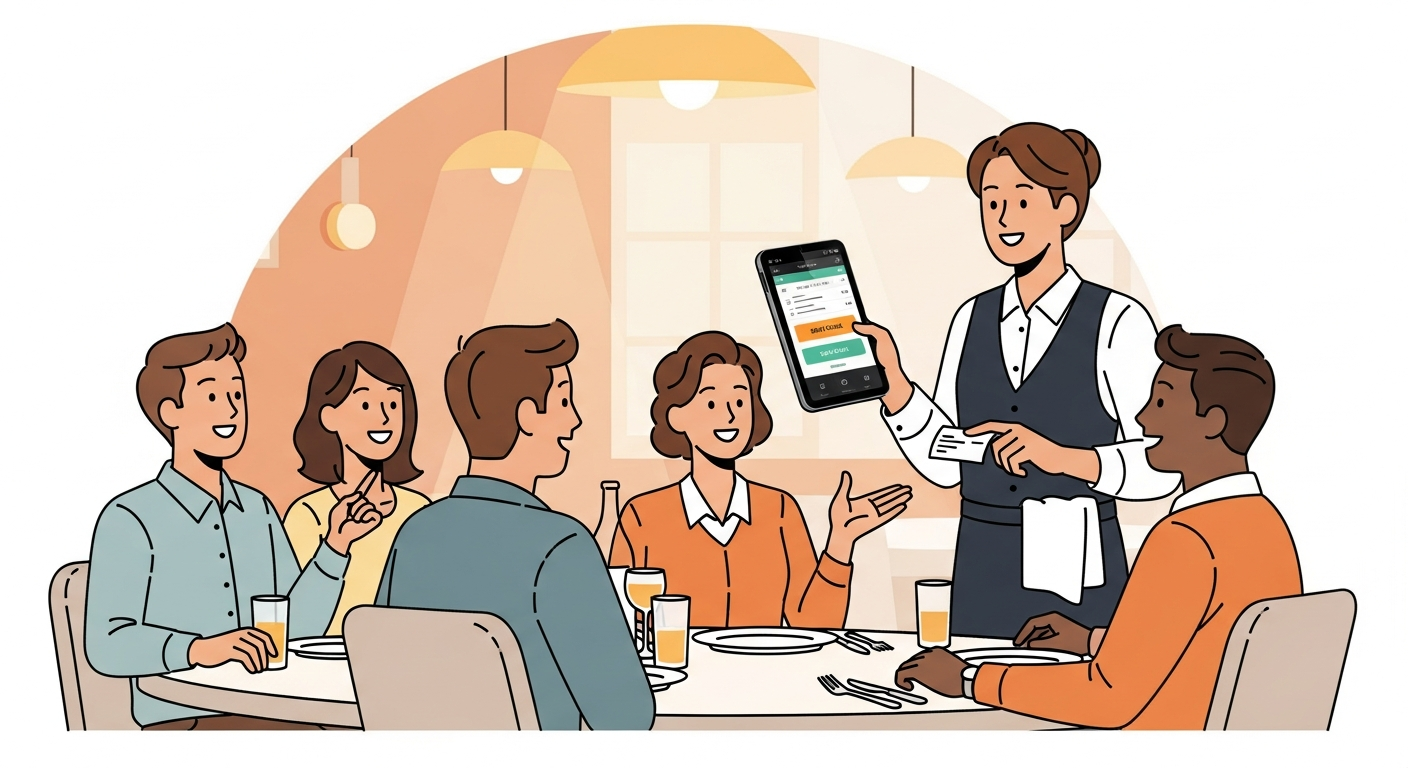
Why Some POS Systems Struggle With Splitting Checks
Different POS systems handle orders in different ways.
The most common issues are:
1. Split checks only work after the order is fired
Once the ticket hits the kitchen, you can't modify it.
2. Some POS systems only split at payment
You can't assign items ahead of time.
3. Certain features are locked behind add-ons
Many POS companies charge extra for full split-check functions.
4. Budget systems skip table management tools entirely
A big reason fast-casual restaurants struggle with this.
You Don't Always Need a New POS — You Need the Right Setup
At Sleft, we don't push one specific POS.
We look at what the business already has and build the setup around the workflow.
Most restaurants fall into one of these buckets:
A) Keep your current POS and unlock the right features
Often the POS can support splitting checks — the right module or configuration just isn't enabled.
B) Add a KDS (Kitchen Display System)
Even if the POS doesn't split perfectly, a KDS often fixes flow issues:
- Items fire separately
- Fewer mistakes
- Faster kitchen
- Better order clarity
This removes most of the friction without replacing the whole system.
C) Use the right terminal for new locations
For convenience-store setups, the terminal matters more than the POS.
Solid options include:
- PAX A80 – simple, reliable, fast
- PAX A920 Pro – premium, full touchscreen
Both work with traditional pricing or ICP+.
Rates Matter — But Workflow Matters First
This owner didn't want to use cash discounting.
That's fine, not every business does. (But if you're interested, read our complete cash discount program guide.)
What he did want was:
- A clean, competitive rate (see best processors in Florida)
- Hardware that fits his stores
- A smoother workflow
- One company to help with everything
That's where Sleft comes in.
You can have great rates, but if your system slows your staff or frustrates customers, you lose money elsewhere.
What To Do If Your POS Can't Split Checks
1. Check whether your POS has a split-check setting or upgrade.
2. See if adding a KDS would solve most issues.
3. Make sure your hardware matches your workflow. Working with Sleft enables technical expertise most business owners are unaware of.
4. Work with a company that isn't pushing one platform. Crucial to truly maximize your business's potential.
Free POS + Workflow Assessment (From Sleft)
If you want us to review your setup and tell you:
- What to keep
- What to adjust
- What to add
- What rates make sense
We'll do it for free at Sleft.
At Sleft, we simply help you identify ways you can incorporate technology to maximize your business. Whether it is simply learning the fundamentals of chatGPT, or developing a customized automation for your business, our team of experts is here to accommodate your needs.
We are happy to walk through your tech stack, and find gaps that can save your business its hard-earned money.
👉 Get Your Free POS + Payment Setup Review + AI Automation by texting "Free POS" to 215-595-6671
Common POS Systems and Their Split Check Capabilities
Here's a breakdown of how the major restaurant POS systems handle check splitting:
Toast POS
Toast does support split checks, but the feature has limitations. You can split by seat or by item, but many owners report the process is clunky and slow during rush hours. Toast also requires their proprietary hardware — so if you're unhappy with how it handles splits, switching away from Toast means replacing everything.
Square for Restaurants
Square's split check functionality is basic. You can split evenly or by custom amount, but splitting by individual items requires extra taps. For high-volume restaurants, this adds up to minutes of delay per table during peak service.
Clover
Clover handles split checks reasonably well through its Clover Dining app. You can split by seat, item, or custom amount. The advantage of Clover is hardware flexibility — you're not locked into one processor, so you can keep the POS and switch to a better processor without replacing equipment.
SpotOn
SpotOn offers solid split check features out of the box, including splitting by seat, item, or percentage. It's a strong option for full-service restaurants that deal with large parties regularly.
💰 Want to see how much you're overpaying? Use our free savings calculator to find out in 30 seconds. Or get a free statement analysis from our team.
How Check Splitting Affects Your Bottom Line
You might think split checks are a minor inconvenience. They're not. Here's the real business impact:
- Slower table turns: Each extra minute spent splitting checks during dinner rush costs you revenue
- Staff frustration: Servers who fight with the POS get stressed, make mistakes, and provide worse service
- Customer experience: Guests notice when splitting a check takes five minutes — and they tip accordingly
- Training costs: Complex split-check workflows mean longer training time for new servers
For a restaurant doing 200 covers a night, even 2 minutes of extra POS time per split check (with 30% of tables splitting) adds up to over an hour of lost productivity every night.
The KDS Advantage: Why It Solves More Than You Think
Adding a Kitchen Display System does more than fix split-check issues. It transforms your kitchen workflow:
1. Order accuracy jumps 90%+ — no more lost or misread tickets
2. Cook times drop because the kitchen sees items in real-time, prioritized by fire time
3. Communication improves between front and back of house
4. You get data on average cook times, rush patterns, and bottleneck items
A KDS typically costs $500-$1,500 per screen installed. For most restaurants, the ROI comes within the first month through reduced comps and faster table turns.
💰 Want to see how much you're overpaying? Use our free savings calculator to find out in 30 seconds. Or get a free statement analysis from our team.
Ready to stop overpaying? Sleft Payments offers transparent pricing with no contracts and no hidden fees. Get a free quote or call us at (215) 595-6671.
Frequently Asked Questions
Can I add split check functionality to my existing POS without upgrading?
In many cases, yes. Some POS systems have split-check modules that aren't activated by default or require a software update. Before buying a new system, contact your POS provider and ask specifically about enabling split checks. If they charge extra for the feature, factor that into whether switching POS systems makes more financial sense.
Does splitting checks affect my processing fees?
Yes, slightly. Each split payment is a separate transaction, which means you pay a per-transaction fee on each one. If your processor charges $0.10 per transaction and a table of 4 splits evenly, that's $0.40 instead of $0.10. Over hundreds of split checks per month, this adds up. A processor with lower per-transaction fees makes a real difference here.
What's the difference between splitting checks and splitting payments?
Splitting a check means dividing the bill by items or seats — each person pays for what they ordered. Splitting a payment means dividing the total evenly or by custom amounts across multiple cards. Most POS systems handle payment splits better than check splits. If your POS can't split by item, try splitting the payment evenly as a workaround.
Should I switch POS systems just because mine can't split checks?
Not necessarily. Switching your entire POS is expensive and disruptive. First, check if your current system has the feature hidden in settings. Second, see if a KDS or terminal upgrade solves the workflow issue. Only switch POS systems if you have multiple pain points beyond just check splitting.
How do I handle large party split checks during rush hour?
The best approach is pre-splitting. When the party sits down, have your server create separate checks from the start — one per seat or per couple. This avoids the nightmare of trying to split a massive check after everyone's eaten. Train your servers to ask "separate checks or one bill?" before taking the first order.
Related Guides
- Why Restaurants Are Leaving Toast POS in 2026
- Best Toast POS Alternatives for Restaurants
- DoorDash Takes 30% of Every Order — How to Fight Back
- How to Switch Payment Processors Without Downtime
About the Author
Grant Denmark
CEO & Founder of Sleft LLC
Grant helps restaurants across Florida and the East Coast optimize their payment processing and POS workflows. No hidden fees, no hardware lock-in — just straightforward service from people who actually pick up the phone.
Don't get Sleft Behind
We help businesses keep more of every dollar.
Related Articles
Want to know exactly how much you could save? Try the Sleft Payments Savings Calculator for a personalized estimate.